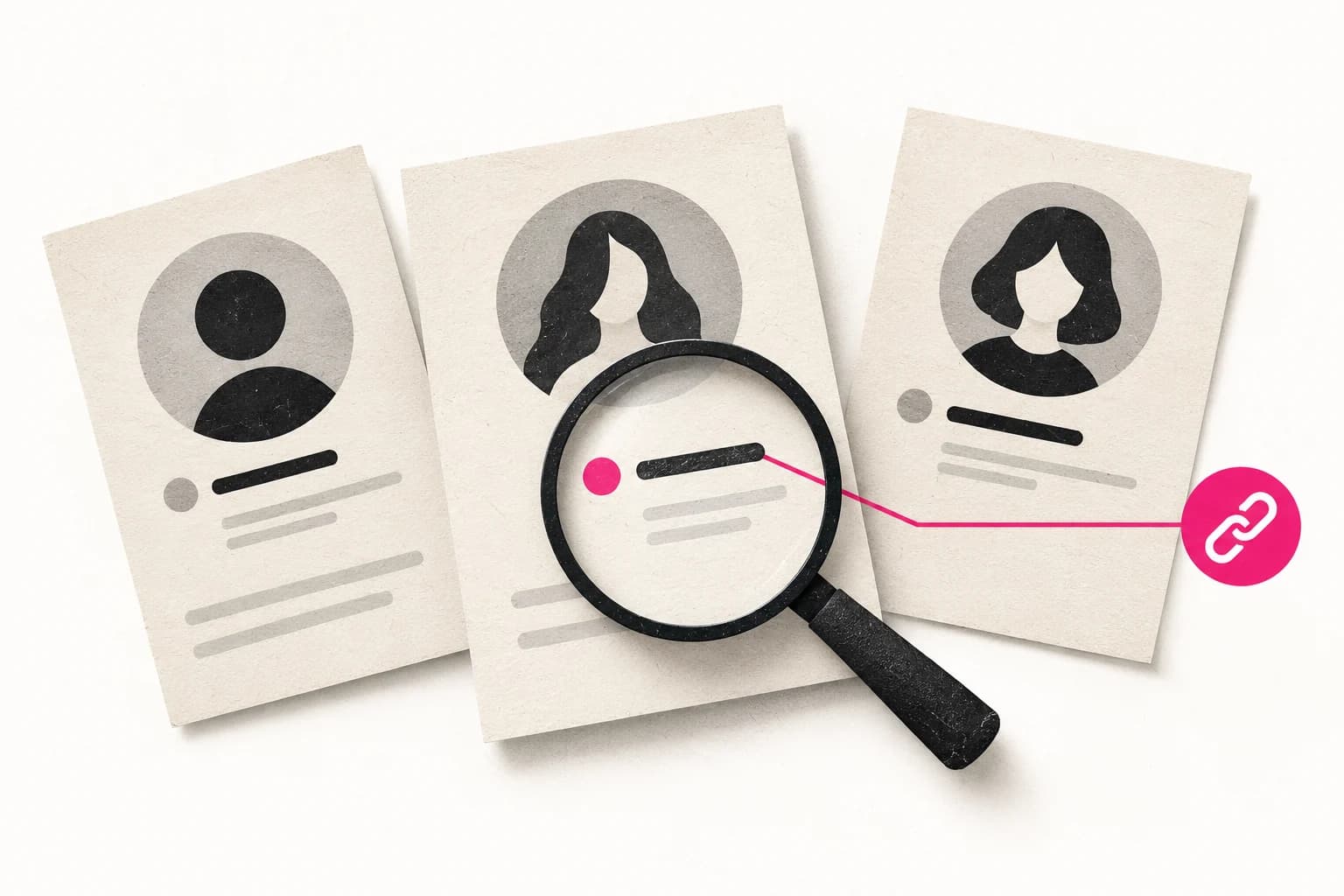
To find an OnlyFans creator, start with a link the creator has published or an exact public handle. If you are browsing without a name, use a small number of clear preferences, inspect the matching profiles, and verify the final destination before subscribing. A search result is a lead; it is not proof of identity or an independent review.
OnlyDetect is built around public profile information. Its data methodology distinguishes direct observations from directory-derived information and keeps unavailable details unknown. That distinction matters when a plausible result is missing the fact you care about most.
Choose the right starting point
Scroll across the table on smaller screens.
| What you already know | First step | What to check next |
|---|---|---|
| A public creator link | Open it from the creator's established profile | Destination handle and current offer |
| An exact username | Search that handle | Public links and matching identity |
| A display name | Search the name, then narrow carefully | Multiple people may share it |
| A broad interest | Browse a relevant category or keyword | Whether the creator describes that interest |
| A spending preference | Compare Free, Free trial, and Paid offers | Included access and optional purchases |
An exact handle gives you a narrower task than a name. If the creator already links their account from an established public channel, that connection is more useful than a third-party list copying the same photograph.
Search in a deliberate sequence
- Search the public handle or the most distinctive part of the published name.
- Open a small shortlist rather than assuming the first card is the answer.
- Compare the biography and public links with the creator's own channels.
- Check when the directory information was observed.
- Visit the official destination and read the offer there.
For a known handle, follow the dedicated username search guide. If the first attempt fails, check spelling and whether the creator has published a new handle. Do not convert an unsuccessful search into a claim that the person does not have an account.
Broaden one detail at a time
Suppose you want to find an adult creator who publicly discusses fitness and offers a free subscription. Start with the interest, then apply the free offer filter. Adding an unverified city, an assumed age, and a guessed nickname at once makes it difficult to tell which condition eliminated a result.
When a field is absent, distinguish “not stated” from “does not match.” A profile without a public location has not confirmed either that it is nearby or that it is elsewhere. Likewise, a short biography can omit a topic the creator covers. Decide whether that uncertainty matters enough to exclude the result.
Keep exact requirements separate from preferences. If a price limit is firm, inspect the actual displayed amount rather than relying on a description such as inexpensive. For a location search, use only places the creator voluntarily publishes.
Compare offers after confirming identity
A low entry price is not enough to compare two profiles fairly. Record the current subscription offer, what the creator says it includes, and whether the items you want are separately priced. Do not interpret a public media count as a promise that every item is included in the subscription.
A directory freshness date describes an observation. It does not reserve an offer for you. OnlyDetect's refresh policy explains why a public listing can lag behind a change. The final subscription decision should use the creator's current page.
Know when to stop
Stop if you cannot connect the result to the creator's own public presence. There is no need to identify someone's private name, workplace, home address, or relatives to verify a public creator handle. A missing link is a reason to keep the match unconfirmed.
If OnlyDetect has the wrong public facts, use the report form with the affected URL and a relevant public source. For a new search, open Discover, choose the strongest identifier you have, and evaluate the shortlist using the checks above.